
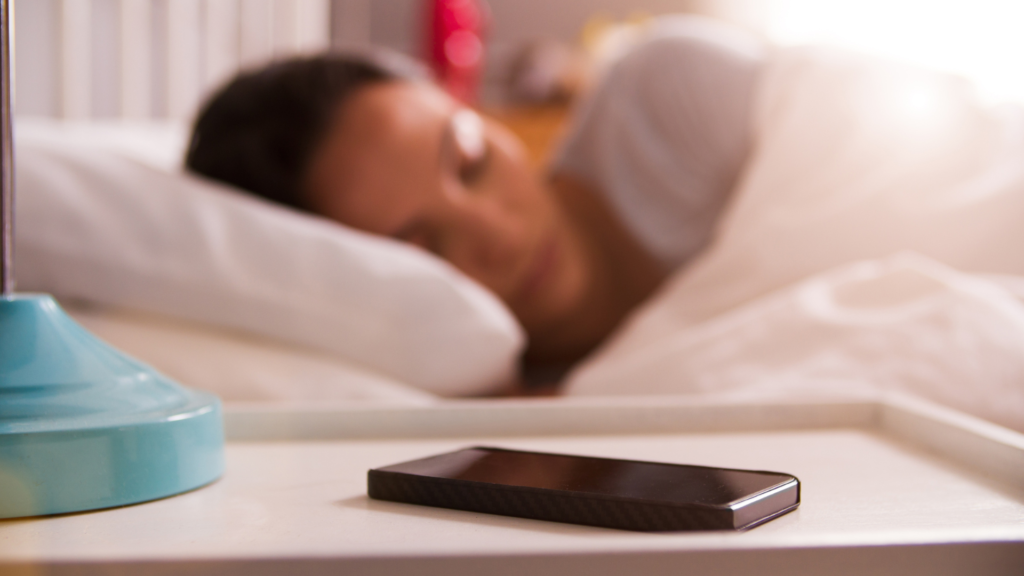
Sleep apps are very popular. Alongside apps you have on your phone, you can have apps on a tablet and even ask your smart speaker to play music, stories and guided meditations.
In this blog, Dr Lindsay Browning explores the role of sleep apps and the sleep stories and relaxation exercises they use to help us sleep.
How sleep apps work
Not sleep trackers
For clarity, we are referring here to sleep apps that offer some form of exercise or story to help you sleep. We are not discussing sleep trackers or watches that tell you about how much sleep and how much deep sleep you have at night. We will come to cover this in more detail, but for now, you can check out my podcast episode with The Wellness Scoop, where we discuss a whole range of sleep issues, as well as sleep devices and trackers here:
Sleep app types
Sleep apps work by either guiding you through some relaxation exercises, such as slow deep breathing, or a body scan meditation, or by distracting you by giving your brain something else to think about other than worries and stresses.
Such distraction techniques include sleep stories or descriptive images of relaxing scenery.
Sleep stories
Sleep stories are quiet, calm stories with little to no plot. Their whole purpose is to simply give your brain something to think about so that it isn’t thinking about unfinished work projects or other worries.
Relaxation exercises
Guided meditations, slow deep breathing or other body scan type meditations are often used to help drift you into sleep. The ‘guide’ tells you what to focus on and aims to get you focussing on the present, as well as your breathing, rather than the myriad of other thoughts, concerns, worries and whatever else may be scrolling around your mind and stopping you from falling asleep.
Advantages and disadvantages of sleep apps
In the short term, these features can be helpful when you are facing a new or infrequent sleeping problem. However, when people start to rely on sleep apps to help them get to sleep all of the time, they can actually start to become harmful for a healthy relationship with sleep.
Potential pitfalls of using sleep apps to help you sleep are that the sound coming from the phone can actually wake you up again after you’ve fallen asleep – meaning that you drift in and out of a light sleep for longer at the start of the night, rather than simply falling asleep and staying asleep.
Also, if you are using your phone, then the potential is there for you to also use your phone for scrolling through social media or checking messages and emails which will both make sleep harder through light exposure and waking your mind up again.
Lastly, if you rely on a sleep app then you will need to either use headphones or have the phone on speaker so that you can hear the app. Using headphones to fall asleep can potentially cause earache if you are leaning on the headphones during your sleep, as well as broken sleep later when you wake to remove them. If you rely on the speaker function, then that may disrupt the sleep of the person that you’re sharing your bed with.
Alternatives to sleep apps
Slow deep breathing or other body scan type meditations are a great way to help drift you into sleep but, as a sleep therapist, I recommend that you do these techniques in your own mind rather than listening to an app.
This is so that if you fall asleep halfway through the body scan meditation there will be silence in your bedroom rather than your phone continuing the auditory meditation, potentially waking you up again.
Falling asleep without an app
Sleep apps are a great way of learning relaxation and distraction techniques at bedtime which can be helpful for falling asleep. However, once you’ve learned how to do them, it’s better to recreate these slow deep breathing, story telling or distraction techniques in your own mind, rather than relying on an app every night.
If you are struggling with falling asleep, you may also want to reflect on your sleep hygiene, as well as your bedtime routine. Winding down sufficiently before your bed time may reduce the need to rely on apps at all.
Take a look at this guide to help improve your bedtime routine: